

I am often asked how to add tasks into Microsft teams, therefore i have out together a simple step by step guide:
1. Open Microsoft Teams

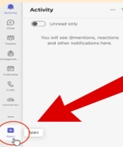
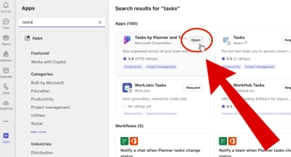
2. Click on Apps at the bottom of the left column and search for Tasks.
Select Tasks by Planner and To Do to add it to your Teams.
To create a task, click on the three dots next to the team name and select Create task
Top Tip - Use buckets to organise tasks into categories.



Comments